A customer standing on a corner is looking for your shop on Google Maps, with one question: are you open, and can I ask something first? Until now, the quick answer meant calling. Google just added a second button.
The short version: Google Maps now shows a Message button next to Call on Business Profiles that have chat set up, on both Android and iOS, as Search Engine Roundtable reported on November 6. It's free to switch on and takes about five minutes. Turn it on this week only if someone will answer within a few hours. A button nobody answers is worse than no button.
What changed on Google Maps?
Customers on both Android and iOS can now find a prominent Message button right next to Call, according to Lisa Landsman of Google. Before, finding chat on Maps meant scrolling deep into the profile. Tapping the button opens WhatsApp or a text message, whichever you've linked, so the conversation lands where you already work.
It came in Google's November small business bulletin, posted November 5, which also had a holiday checklist: set special hours, update menus or catalogues, publish a Google post, turn on customer messaging, and check your booking and ordering links.
Why should a small business care?
Because plenty of people won't phone. Google's own pitch is that messaging is a fallback when you can't pick up a call, such as during an appointment or an off-site job. If you run a salon, a trades business or a shop with one person on the floor, that's most of your day.
It also suits the season. Holiday shoppers ask quick questions: do you have this in stock, can you ship by the 20th, are you open Sunday. Those are one-line texts, not phone calls. Our post on holiday marketing for Canadian small businesses covers the rest of the season.
How do you turn it on?
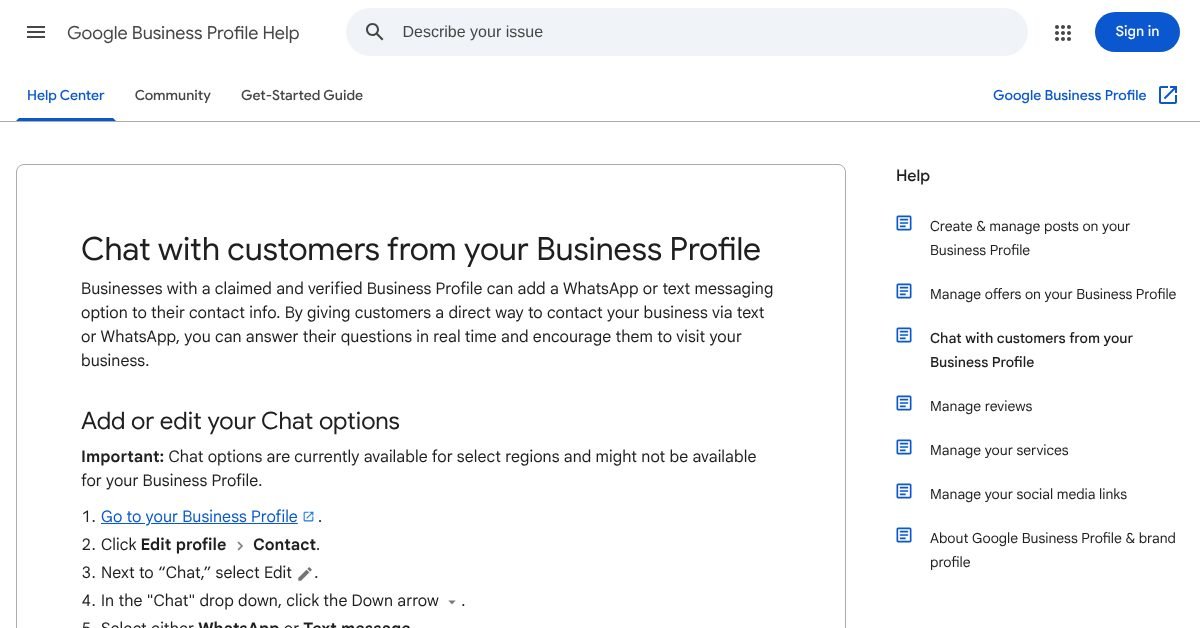
Your profile has to be claimed and verified. Then, per Google's chat help page:
- Go to business.google.com and open your profile.
- Click Edit profile, then Contact.
- Next to Chat, select Edit and choose WhatsApp or Text message.
- Enter your WhatsApp click-to-chat link, or a phone number that can receive texts, and save.
Two catches from the same page. If you add both WhatsApp and text, customers only see the text option. And chat is "currently available for select regions". Google doesn't list them, so if the Chat option doesn't appear on your profile, it isn't switched on for you yet. We couldn't confirm Canada either way.
What are the rules for answering?
Google doesn't set any, which is the risk. Here's what we'd tell a client, as our own opinion rather than anything from Google:
- Use a business number, not your personal phone, so customers don't land in your family group chat.
- Only turn it on if someone will reply within a few hours in business hours. Say so in your first reply if you're slower.
- Send yourself a test message before the busy weekend. Google's checklist suggests the same, as Relevant Audience summarizes it.
- Check the chat numbers in your Business Profile metrics after a couple of weeks. The help page says you can review chat performance there.
Who should skip it?
Be honest about your week. If you're on job sites all day with no one at a phone, a Message button promises something you can't deliver, and customers remember that more than a missed call. If your only number is your personal mobile and you'd rather keep it that way, get a business line first, or leave chat off.
It's also worth skipping if you take bookings online. A customer who could book in one tap is better sent to your booking link than into a back-and-forth about Tuesday at 3. Keep that link in your profile and mention it in your first reply. And if the Chat option doesn't show up in your profile at all, there's nothing to decide yet. Check again in a few weeks.
What else should you fix first?
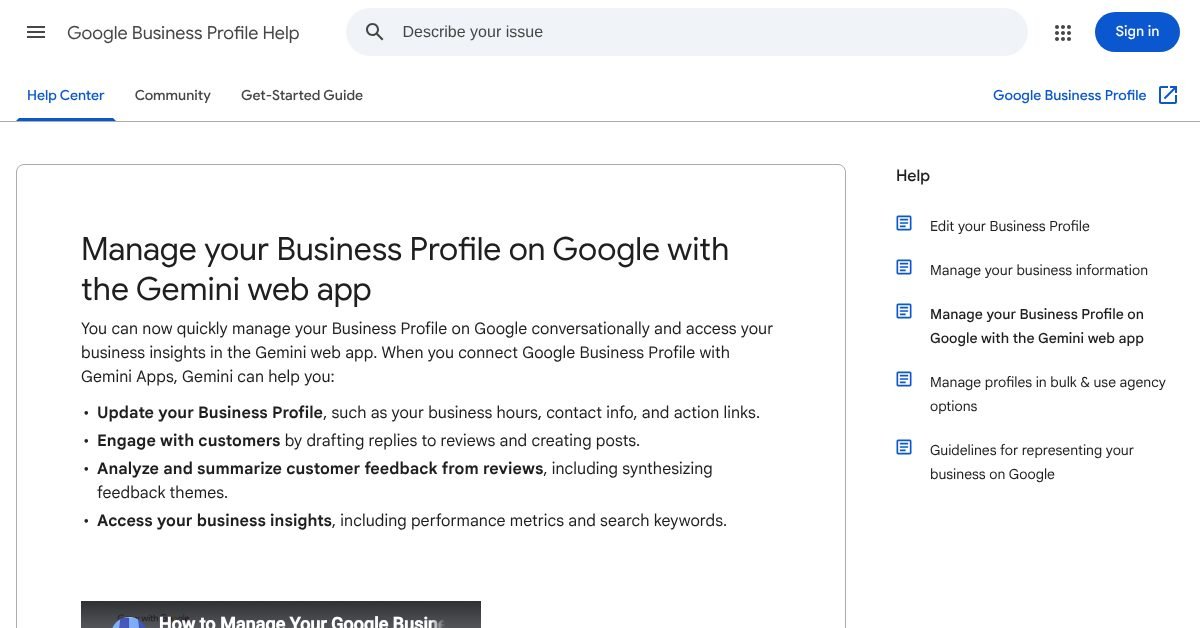
The message button gets people talking, but wrong hours still send them to a locked door. If your holiday hours are missing, fix those before anything else. The hours editor has a "Generate hours" box that turns plain words into hours fields, in select regions and languages. And Gemini can now help with profile edits too, which we cover in our post on managing your Business Profile with Gemini.
Next step
If you already answer texts quickly, switch it on today. If you don't, pick the channel you can keep up with first. Customers who tap Message will also look at your website, and the hours, services and phone number on it should match your profile exactly. That's what we do at Loud Launch: websites built to match what Google shows, with the hosting and edits taken care of. Book a free call and we'll check that your profile, site and holiday hours all say the same thing. New to Google listings? Start with why a business isn't showing on Google.
- Search Engine Roundtable: Google expands business messaging to Google Maps on iOS and Android (Nov 6, 2026)
- Google Business Profile Help: Chat with customers from your Business Profile (read Nov 10, 2026)
- Relevant Audience: Google's November 2026 Small Business Bulletin (Nov 7, 2026)
- Google Business Profile Help: Generate hours (read Nov 10, 2026)
Drafted with AI help from our notes and checked against the sources above.
This post is general information and our own take, not legal, financial or professional advice for your situation. Prices, features and survey results change, so check the linked sources before you act. Accurate as of November 10, 2026. See our terms.